1. Download the iTunes app to your PC or MAC if you don’t have it yet, if you have it already just OPEN the iTunes app on your PC or MAC.
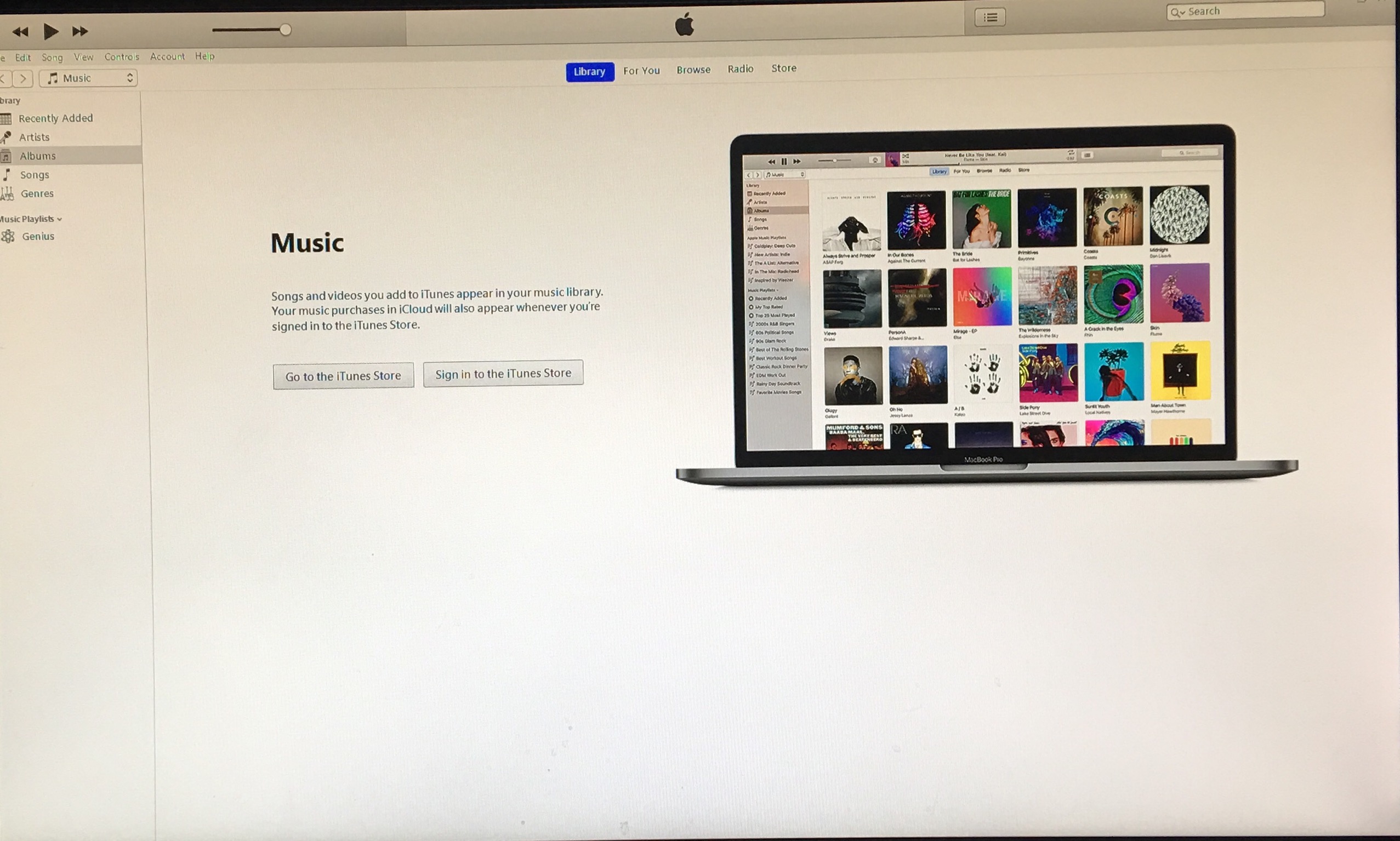
2. Insert your audio CD to your PC or MAC disc drive. The iTunes app will then read the songs on that CD and will show you the list of songs on that CD.
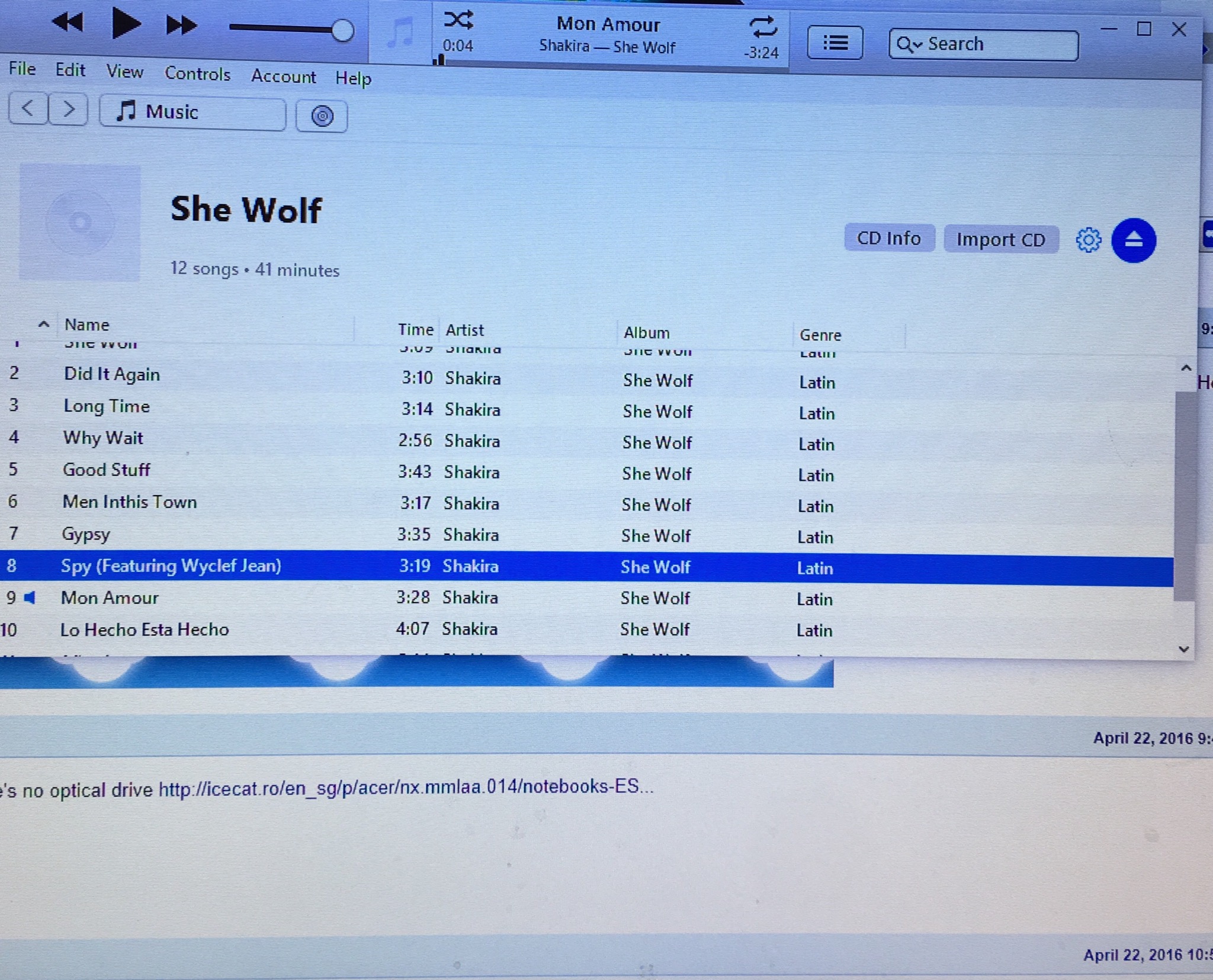
3. You can highlight all the songs in the CD and just drag them into the “Music” tab onto your iTunes Library or you can click IMPORT CD. The songs will then be imported to your iTunes library and will be copied onto your PC or MAC’s hard drive.
4. You can then plug your iPod Touch to your PC or MAC using the USB cable.
5. You can click on the name of your iPod Touch in the Devices list.
6. On the Music tab of the iPod information screen make sure that you select the “Sync Music” and “All Songs and Playlists” options.
7. To transfer the songs from your audio CD to your iPod touch just click the “Sync” button.
 tinkertwelve.com